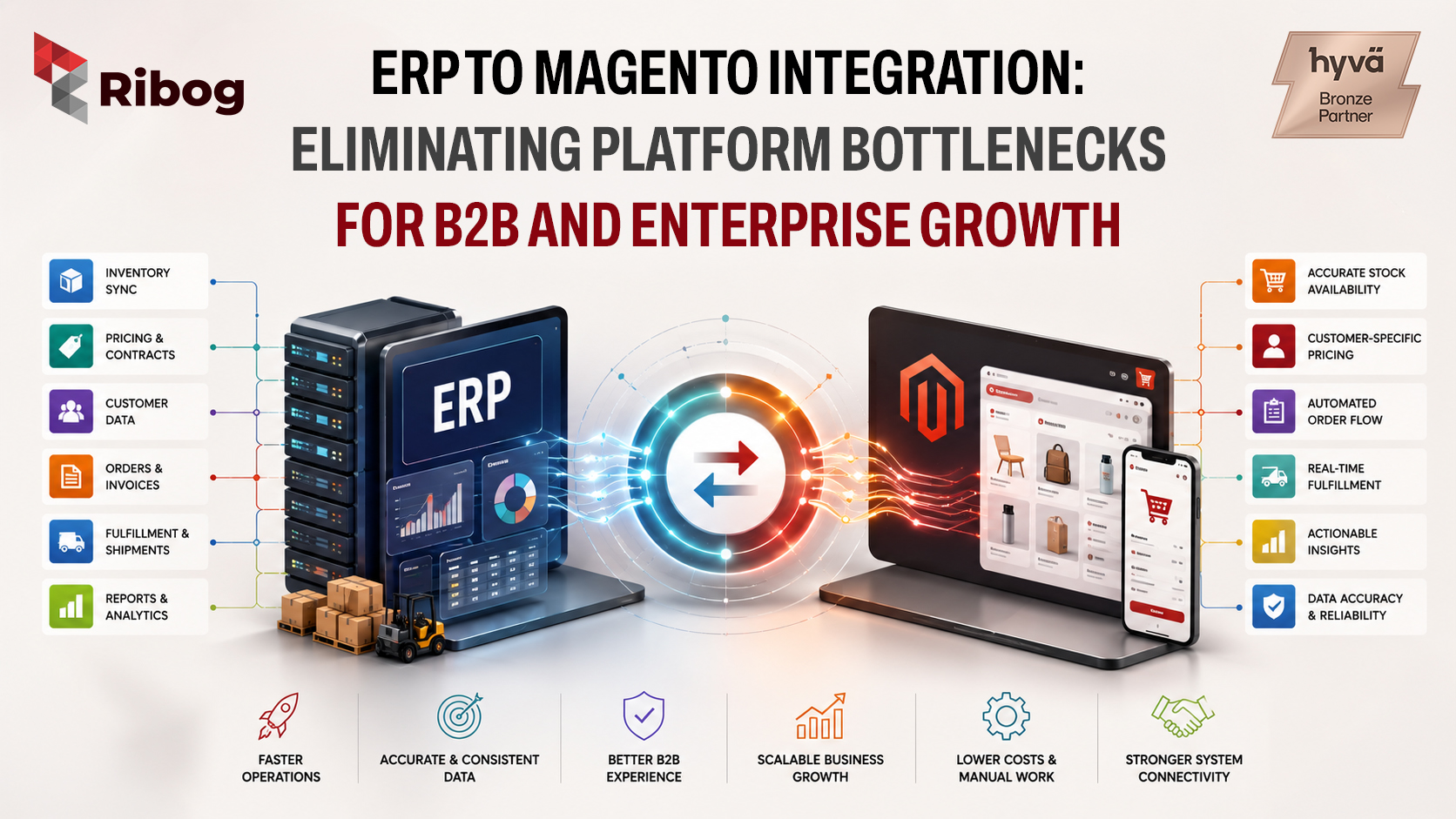
ERP to Magento integration helps B2B and enterprise merchants connect their storefront with the systems that run inventory, pricing, customer accounts, orders, invoices, and fulfillment.
For many businesses, Magento or Adobe Commerce powers the online buying experience. But the ERP remains the operational backbone. This ERP may be SAP, Oracle NetSuite, Microsoft Dynamics 365, Odoo or another enterprise resource planning system.
The problem begins when Magento and the ERP do not communicate properly.
Orders need to be entered manually. Inventory updates arrive late. Customer-specific pricing becomes inconsistent. Sales teams depend on spreadsheets. Warehouse teams receive incomplete order data. Customers see one stock level online and another reality after checkout.
At first, these issues may look like small operational gaps. But as order volume grows, they become platform bottlenecks.
That is why a strong ERP to Magento integration is now essential for B2B and enterprise eCommerce growth.
Adobe Commerce provides official Commerce Web APIs that allow developers to connect Commerce with external systems and third-party platforms.
This makes it possible to connect Magento with ERP, CRM, PIM, WMS, OMS, accounting, and shipping platforms.
For B2B merchants, the ERP is often the source of truth for:
When this data is not synchronized with Magento, teams spend more time fixing errors than growing the business.
A well-planned Magento ERP integration keeps business-critical data aligned across the storefront and back office.
When Magento orders are not automatically sent to the ERP, internal teams must manually export, format, and upload order details.
This slows down order confirmation, stock allocation, picking, packing, invoicing, shipment creation, and customer updates.
For B2B companies, orders may also include purchase order numbers, account-specific terms, negotiated pricing, approval workflows, and bulk quantities.
Manual order handling may work at a small scale, but it quickly becomes a barrier to growth.
Inventory accuracy is one of the biggest trust factors in eCommerce.
Adobe Commerce includes Inventory Management features that support stock management across warehouses, stores, drop shippers, and other inventory sources.
However, if ERP inventory is not connected to Magento, the storefront may show outdated stock availability.
This can lead to overselling, backorders, cancelled orders, delayed fulfillment, and frustrated customers.
A strong ERP to Magento integration helps customers see more reliable inventory before they place an order.
B2B pricing is rarely simple.
Different customers may have different contract prices, tier prices, volume discounts, tax rules, payment terms, and catalog access.
Adobe Commerce B2B supports shared catalogs, which allow merchants to create gated catalogs with custom pricing for different companies.
If pricing is managed in the ERP but not synchronized with Magento, customers may see outdated or incorrect prices online.
That creates sales disputes, support tickets, and loss of trust in the digital channel.
Large B2B catalogs often include thousands of SKUs.
Product data may include names, descriptions, units of measure, pack sizes, technical specifications, categories, product status, and media references.
If this data is updated manually in Magento while the ERP holds the official product record, inconsistencies can appear quickly.
Adobe Commerce supports bulk endpoints, which can help process large product, pricing, and inventory updates more efficiently.
For merchants with large catalogs, this is especially useful.
You can also read RIBOG’s guide on large product catalogs with Hyvä for more context on catalog performance.
A basic integration may only send orders from Magento to the ERP.
A stronger ERP to Magento integration connects the full commerce workflow.
Product data sync keeps Magento aligned with the ERP, PIM, or product master system.
This may include SKUs, product names, product types, attributes, categories, units of measure, descriptions, technical details, images, and product status.
Inventory sync helps Magento show accurate stock availability.
For businesses with multiple locations, Adobe Commerce supports inventory concepts such as sources and stocks.
This is useful for merchants managing multiple warehouses, drop shippers, regional stock, reserved inventory, or partial fulfillment.
B2B commerce is built around company relationships, not only individual buyers.
Adobe Commerce B2B supports company accounts, which help merchants manage complex buying organizations.
ERP integration can keep company records, buyer accounts, billing addresses, shipping addresses, payment terms, credit limits, and tax details aligned.
For more B2B context, see RIBOG’s article on Adobe Commerce B2B features for wholesale portals.
Once an order is placed in Magento, it should move into the ERP automatically.
The ERP may handle sales order creation, credit checks, stock allocation, invoice generation, shipping, and returns.
Official ERP platforms provide integration capabilities for these workflows. Oracle NetSuite offers SuiteTalk REST Web Services, Microsoft provides Dynamics 365 Commerce Scale Unit APIs, and SAP documents the Sales Order API.
When these systems are connected properly, order data can move from storefront to fulfillment with less manual work.
Adobe Commerce provides a REST API for structured integrations with external systems.
REST API integration is commonly used for products, customers, inventory, pricing, orders, shipments, and invoices.
Adobe Commerce also provides a GraphQL API, which is useful for frontend experiences, headless commerce, mobile applications, and custom storefronts.
While ERP workflows are often handled through REST, GraphQL can support connected commerce experiences where frontend applications need efficient access to commerce data.
Not every update needs to happen in real time.
Adobe Commerce supports asynchronous web endpoints, where API requests are written to a message queue and processed later.
This is useful for large catalog imports, price list updates, customer imports, and inventory transfers.
Adobe Commerce webhooks allow developers to call external systems when specific Commerce events occur.
This can support workflows such as credit limit validation, stock confirmation, tax checks, approval processes, and external order validation.
A strong ERP to Magento integration can improve operations across the business.
It helps merchants achieve:
This matters because B2B customers expect the online store to reflect real business conditions.
They want accurate pricing, reliable stock levels, correct account terms, and clear order updates.
When Magento and the ERP are connected, the storefront becomes a dependable self-service channel.
ERP integration needs ongoing monitoring and maintenance. Business rules, catalogs, extensions, and ERP processes change over time.
Real-time sync should be reserved for critical workflows such as pricing validation, stock checks, order submission, and credit approval.
Large catalog updates and bulk price changes can often be handled through scheduled or asynchronous sync.
A strong integration should log failed orders, missing SKUs, API timeouts, inventory sync failures, pricing mismatch errors, and authentication issues.
Magento and ERP systems may use different identifiers and formats.
Clear mapping is needed for products, customers, warehouses, price lists, order statuses, payment terms, and tax rules.
At RIBOG, we help merchants build scalable Magento and Adobe Commerce solutions that are ready for real business operations.
Whether your business uses SAP, Oracle NetSuite, Microsoft Dynamics 365, Odoo or another ERP platform, a well-planned ERP to Magento integration can help remove bottlenecks across pricing, inventory, orders, fulfillment, and customer management.
If your Magento store still depends on manual ERP updates, delayed stock sync, spreadsheet-based pricing, or disconnected order workflows, now is the right time to modernize your integration strategy.
A stronger integration can help your business reduce manual work, improve customer trust, and scale eCommerce operations more efficiently.
ERP to Magento integration connects Magento or Adobe Commerce with an ERP system so product data, inventory, pricing, customer records, orders, invoices, and fulfillment updates can move between systems automatically.
B2B stores often depend on customer-specific pricing, company accounts, credit terms, purchase orders, bulk ordering, and accurate stock availability. ERP integration helps keep these workflows consistent between the storefront and back office.
Yes. Magento can be integrated with SAP, Oracle NetSuite, Microsoft Dynamics 365, Odoo and other ERP systems using APIs, middleware, webhooks, event-driven architecture, or custom integration layers.
Not always. Real-time sync is useful for critical workflows such as stock checks, pricing validation, order placement, and credit approval. Large catalog updates and bulk price changes can often be handled through scheduled or asynchronous sync.