Your buyers should not need to call a sales rep to repeat last month’s order. Your operations team should not be correcting spreadsheet pricing at the end of the day. And your sales team should not spend its best hours checking stock, chasing purchase orders, and forwarding PDFs between departments.
The right Adobe Commerce B2B features can move routine wholesale buying into a controlled self-service portal. But the portal only works when it reflects how B2B buying actually happens: company hierarchies, negotiated pricing, repeat orders, approval chains, ERP dependencies, and procurement rules.
For manufacturers, distributors, and wholesalers, the goal is not simply to “sell online.” The goal is to reduce manual work without losing commercial control.
B2B buyers now expect the same convenience they experience in consumer commerce: fast ordering, clear pricing, order history, saved lists, and self-service access. Adobe’s own page on B2B self-service portals highlights how suppliers can streamline complex buying processes through digital self-service.
That expectation matters. If your buyers still need to email spreadsheets, call for stock updates, or wait for price confirmation, your portal is not reducing friction. It is simply moving old processes into a new channel.
A modern wholesale portal should support:
Generic eCommerce platforms often struggle here. They may handle catalog browsing and checkout, but B2B commerce requires deeper account logic, custom pricing, controlled permissions, and procurement workflows. A proper Magento wholesale self-service portal must be designed around how buyers actually procure, not just how products appear online.
Adobe Commerce is a strong foundation because its B2B module suite is built around real wholesale buying scenarios. Adobe’s B2B overview explains that Adobe Commerce supports both B2B and B2C models, including customer-specific catalogs and pricing.
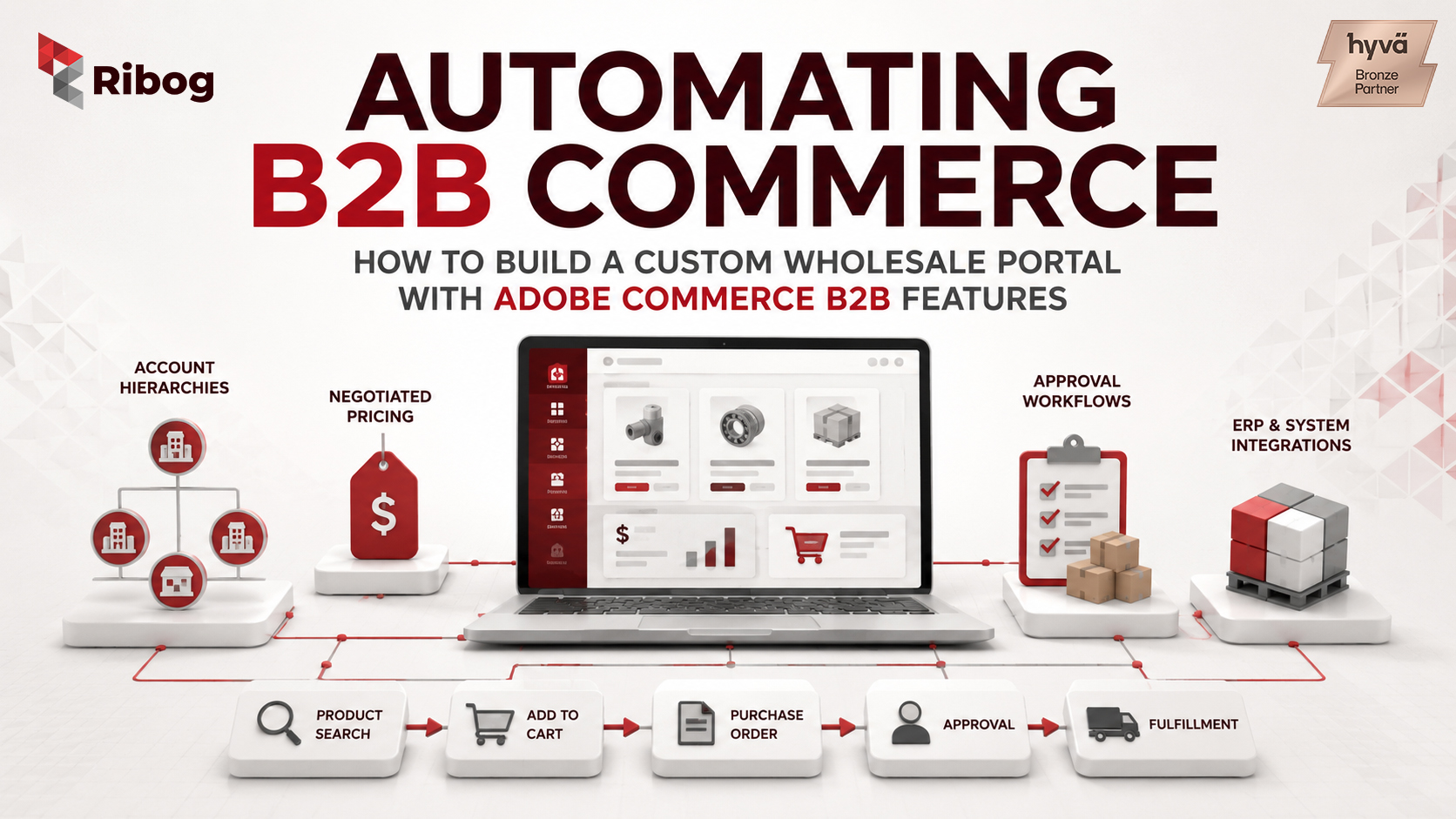
The most important Adobe Commerce B2B features include Company Accounts, Shared Catalogs, Quick Order, Requisition Lists, Purchase Orders, approval rules, and Negotiable Quotes.
Company Accounts allow one customer organisation to operate with multiple users, roles, permissions, and account structures. This is central to company account management Magento projects because one business account may include buyers, finance teams, branch managers, and procurement administrators. Adobe’s documentation on company accounts, company structures, and roles and permissions shows how these relationships can be managed inside Adobe Commerce.
Shared Catalogs allow merchants to show specific products and pricing to specific companies. Adobe describes Shared Catalogs as gated catalogs with custom pricing. For wholesalers, this is critical because pricing often depends on customer contracts, region, branch, volume, or negotiated terms.
Quick Order helps buyers who already know what they need. Adobe’s Quick Order documentation explains how buyers can search by SKU or product name and order faster. Requisition Lists support repeat purchasing by allowing customers to save frequently ordered products, as outlined in Adobe’s guide to Requisition Lists.
This matters because many B2B buyers do not browse. They reorder.
For governed buying, Adobe Commerce also supports Purchase Orders, approval rules, and Negotiable Quotes. These features connect directly to B2B eCommerce procurement, where buyers may need manager approval, spending limits, quote negotiation, or department-level control before an order moves forward.
The features are powerful, but they are not plug-and-play. They need expert configuration.
A successful wholesale portal starts with architecture, not design.
First, decide whether you need a native Adobe Commerce storefront or a headless approach. Adobe explains that headless commerce separates the front end from the commerce back end, which can be useful for highly customised experiences. But for many B2B merchants, a native Adobe Commerce storefront is often more practical because it keeps core B2B features closer to the platform and reduces complexity.
Second, model company hierarchy properly. Do customers buy centrally or by branch? Does a parent company control pricing? Can junior buyers create carts while managers approve them? If you oversimplify this structure, buyers will hit limits quickly. If you overcomplicate it, administrators will struggle to manage the portal.
Third, define pricing architecture before development begins. Shared Catalogs, customer groups, tier pricing, and custom extensions all have a role, but the decision should start with one question: where does the authoritative price live? If pricing sits in the ERP, Adobe Commerce should not blindly duplicate it. If Adobe Commerce becomes the customer-facing price engine, then catalog structure, indexing, and sync rules need careful planning.
Fourth, plan ERP and OMS integration early. Adobe’s guide to eCommerce ERP integration highlights the importance of connecting commerce and ERP systems for better operational flow. In B2B, this is often the highest-risk area. Product availability, credit limits, payment terms, tax logic, invoices, returns, and order status may all depend on ERP data.
A portal that looks good but shows the wrong price or stock level will not earn buyer trust.
The first mistake is underestimating Shared Catalog complexity. Customer-specific pricing sounds simple until parent accounts, branch exceptions, restricted products, and negotiated contracts all overlap.
The second mistake is custom-coding approval workflows too early. Adobe Commerce already provides native purchase order and approval-rule logic. Custom development should extend the platform only when there is a clear business gap.
The third mistake is designing for internal teams instead of buyers. Your internal process may be complex, but the buyer only cares about finding the right SKU, seeing the right price, getting approval, and placing the order without emails.
The fourth mistake is delaying ERP testing until go-live. That is when pricing mismatches, rejected orders, stale inventory, and broken order-status updates become expensive.
A proper Adobe Commerce B2B build starts with discovery. The implementation team should understand how buyers order, how pricing works, how approvals happen, how ERP rules control operations, and where manual work creates the highest cost.
Then the rollout should happen in phases. Start with company accounts, catalog visibility, pricing, quick ordering, and repeat purchasing. Add approvals, RFQ, ERP order status, and advanced procurement workflows once the foundation is stable.
A specialist team also knows when not to customise. The strongest Adobe Commerce B2B features are already native. The value comes from configuring them correctly, extending them carefully, and keeping the platform maintainable.
For Ribog Digital, this is where deep Adobe Commerce engineering matters. A wholesale portal is not just a storefront project. It is a business process, procurement, pricing, and integration project.
Ready to eliminate manual ordering errors and free up your sales team? Talk to Ribog’s dedicated Adobe Commerce B2B development team today.