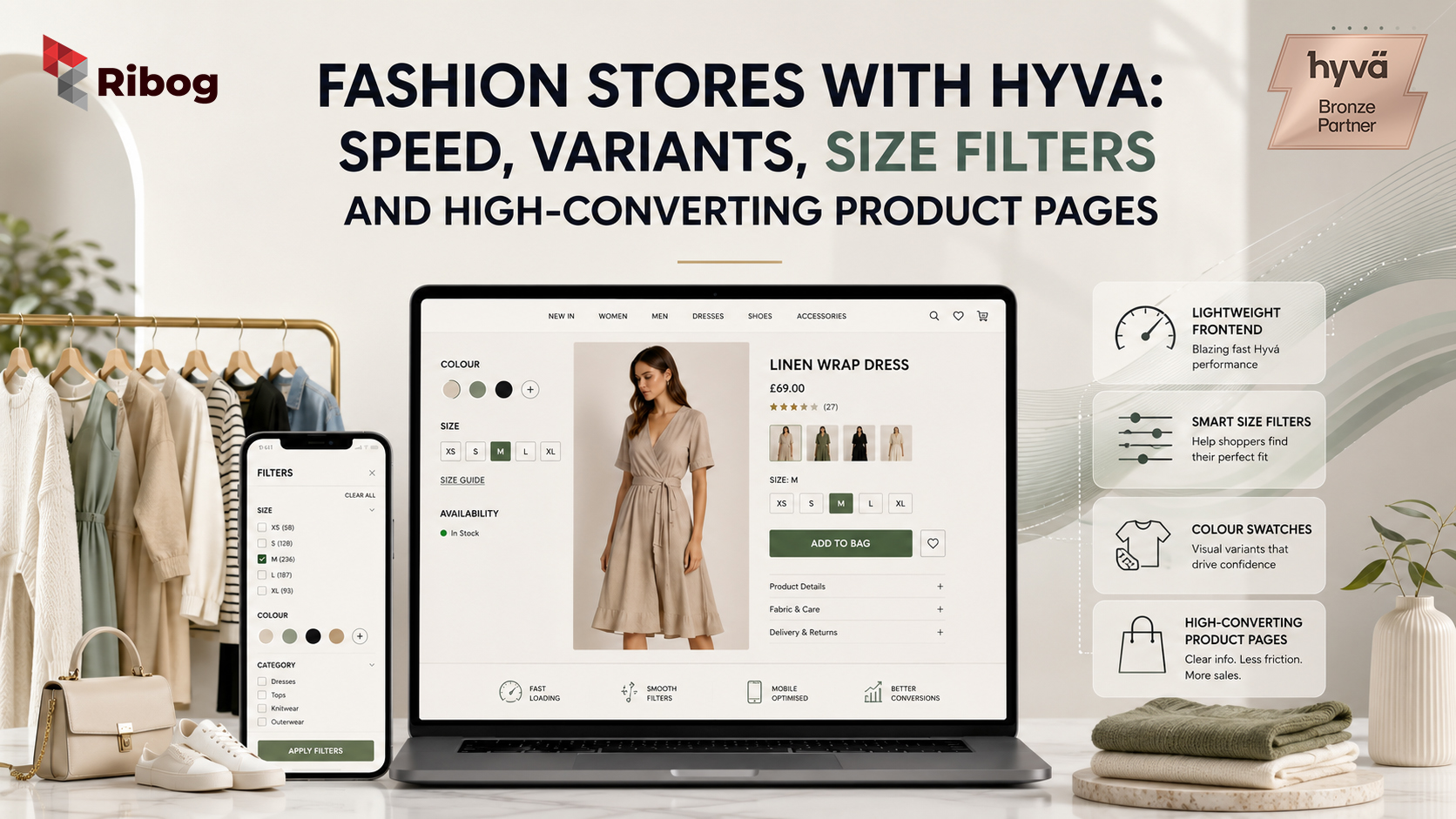
Fashion stores with Hyva can create faster, cleaner, and more conversion-focused shopping experiences on Magento and Adobe Commerce. For apparel brands, speed matters because customers need to browse image-heavy collections, compare colours, select sizes, apply filters, and move to checkout without friction.
Hyvä, often searched as Hyva, is a fast Magento frontend theme that helps fashion and apparel stores improve performance, product discovery, and checkout experience. This is especially useful for fashion stores where customers expect smooth browsing on both desktop and mobile.
Fashion eCommerce is not just about attractive product images. Customers also care about size availability, colour options, fabric details, delivery timelines, return policies, and a simple checkout process. If any part of this journey feels slow or confusing, shoppers may leave before completing the purchase.
For fashion retailers using Magento, Hyvä can help improve the frontend experience. But the best results come when speed, product variants, size filters, product pages, and checkout are planned together.
Fashion shoppers browse visually. They open category pages, scroll through collections, view product images, compare colours, and check size options. If the website feels slow, the shopping journey loses momentum.
Google’s official Core Web Vitals focus on loading performance, interactivity, and visual stability. These factors are important for fashion stores because apparel websites often use large images, banners, product grids, swatches, and filters.
Slow speed creates real problems for fashion brands. Category pages may take too long to load. Product images may appear late. Filters may feel delayed. Mobile users may leave before browsing the full collection.
Fashion stores with Hyva can reduce frontend complexity and create a faster shopping journey. However, performance also depends on image optimisation, hosting, third-party scripts, extensions, and clean product data.
Many fashion stores lose sales not because the products are weak, but because the buying experience creates friction.
Common pain points include:
For example, a customer may like a dress but leave because the size guide is missing. Another customer may abandon checkout because delivery charges appear too late. A mobile shopper may exit because filters are difficult to use.
These small issues can reduce conversions. A Hyvä storefront gives fashion stores a better frontend foundation, but the catalog, filters, content, and checkout must also be improved.
Fashion products are rarely simple. A single shirt may come in five sizes and six colours. A pair of shoes may have different sizes, colours, widths, and stock levels.
Adobe Commerce supports this through configurable products. A configurable product appears as one product on the storefront, while each variation can have its own SKU and inventory.
For example:
This setup is important because each variation may have different stock. If variant data is not handled correctly, customers may select unavailable sizes or see the wrong product image.
Fashion stores with Hyva should make variant selection simple and visual. Size buttons, colour swatches, out-of-stock labels, and image changes based on colour can make the product page easier to use.
Colour is a major buying factor in fashion. Customers often choose a product because of its colour, pattern, or texture.
Adobe Commerce product swatches allow merchants to show visual or text-based options for colour, texture, pattern, or size. Swatches can appear on product pages, category listings, and layered navigation.
For fashion stores, swatches help customers:
However, swatches must be accurate. If the colour swatch does not match the product photo, customers may lose trust. If the same colour appears as “Blue,” “Navy Blue,” and “Dark Blue” without proper structure, filters become confusing.
Clean product data is essential before improving the frontend.
Size filtering is one of the most important features for fashion stores. Customers do not want to browse products that are unavailable in their size.
Adobe Commerce layered navigation allows shoppers to filter products by category, price, and product attributes. For apparel stores, useful filters may include size, colour, brand, fit, fabric, gender, occasion, price, discount, and availability.
The goal is not to show every possible filter. The goal is to show filters that help customers make faster decisions.
For example, a footwear category may need UK size, EU size, colour, brand, gender, and material. A women’s clothing category may need size, colour, fit, fabric, occasion, and price.
Fashion stores with Hyva should also make filters mobile-friendly. A filter button should be easy to find, easy to open, and easy to apply. If customers struggle to filter products on mobile, they may leave before finding the right item.
A fashion product page must do more than display a product image and price. It must answer customer doubts before checkout.
A strong apparel product page should include:
Fashion customers often hesitate because they cannot touch or try the product. They want to know how the item fits, what the fabric feels like, how returns work, and when the product will arrive.
For example, instead of writing:
“Women’s cotton dress in blue.”
A better description is:
“Lightweight cotton midi dress with a relaxed fit, breathable lining, soft blue finish, and side pockets. Designed for casual outings, summer wear, and weekend styling.”
The second description gives more confidence. It also supports SEO because it includes useful product details.
Fashion stores with Hyva should use fast, clean product pages that help customers decide quickly.
Many fashion shoppers discover products through social media, Google search, email campaigns, and paid ads. This means the first visit often happens on mobile.
A mobile-friendly fashion store should have:
Mobile friction can hurt conversions. If filters are hidden, buttons are too small, or images load slowly, customers may leave.
Hyvä can help create a cleaner mobile frontend. Still, merchants should test the complete mobile journey from category page to checkout. Every step should feel simple.
Checkout is where many fashion sales are lost. A customer may like the product and select the right size, but still abandon the cart if checkout feels complicated.
Common checkout problems include:
Hyvä Checkout is the native checkout solution for Hyvä Themes. For fashion brands, checkout should clearly show delivery options, return information, payment methods, and order details.
A simple checkout keeps the customer moving. A confusing checkout creates doubt at the final step.
Fashion SEO needs more than keywords. It needs fast pages, clean categories, useful product content, image alt text, structured data, and clear internal linking.
Google’s official guide on Product structured data explains how product information can help search engines understand product pages.
Fashion stores should optimise:
Useful fashion SEO pages may include summer dresses, men’s formal shirts, partywear, running shoes, festive collection, leather handbags, or plus-size clothing.
These pages should help customers, not just search engines.
Before moving a fashion store to Hyvä, merchants should review the complete shopping journey.
Key areas to check include:
This makes Hyvä migration more than a theme change. It becomes a full customer experience improvement.
RIBOG helps fashion and apparel merchants build faster, cleaner, and more scalable Magento stores with Hyvä.
Many fashion stores do not lose sales because customers dislike the products. They lose sales because customers cannot find the right size, pages load too slowly, filters feel confusing, product pages lack detail, or checkout creates doubt.
RIBOG can help with:
Planning to build or upgrade fashion stores with Hyva? Contact RIBOG to review your Magento storefront, product variants, size filters, checkout flow, and performance strategy.
Yes. Fashion stores with Hyva can benefit from faster frontend performance, better mobile browsing, cleaner product pages, and smoother checkout experiences.
Yes. Magento and Adobe Commerce can manage size, colour, material, and other options through configurable products. Each variation can have its own SKU and inventory.
Size filters help customers find products that are available in their size. This reduces frustration and improves product discovery.
Product swatches are visual or text-based selectors for options such as colour, pattern, texture, or size. They make product selection easier.
Hyvä can help improve Magento frontend speed. Final performance also depends on hosting, images, third-party scripts, extensions, and development quality.
Yes, fashion stores can benefit from Hyvä Checkout because a faster and simpler checkout can reduce friction before purchase.
They should review product attributes, variants, size filters, colour swatches, product images, mobile experience, checkout, and SEO setup.
RIBOG can help with Hyvä implementation, Magento development, variant setup, filter planning, checkout optimisation, performance improvements, and SEO-friendly catalog structure.