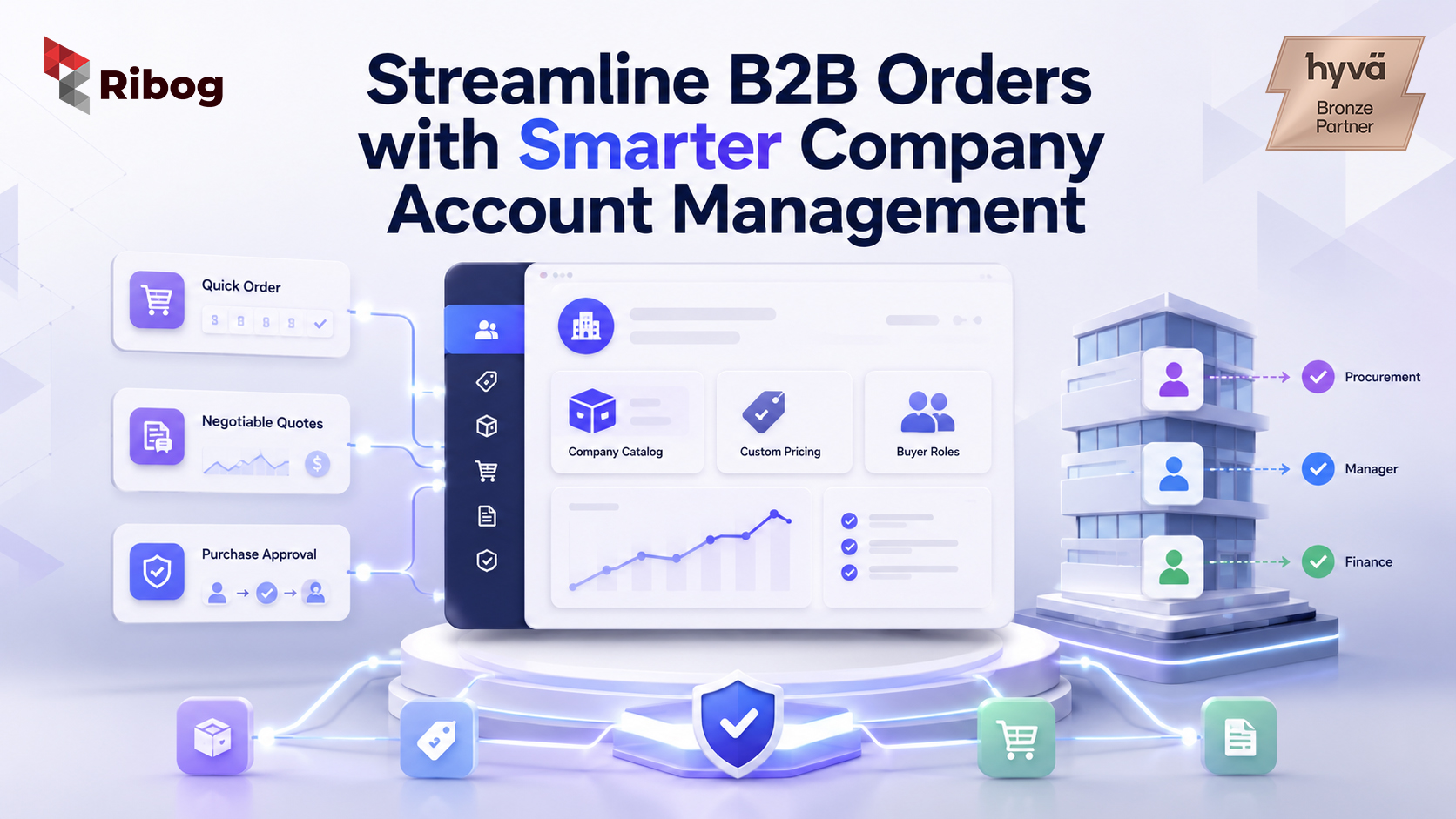
Adobe Commerce helps B2B businesses move offline orders into a structured digital portal where company accounts, custom pricing, quick orders, purchase approvals, and repeat procurement can be managed more efficiently.
For wholesalers, distributors, manufacturers, and corporate suppliers, Adobe Commerce is more than an eCommerce platform. It can become a self-service B2B ordering system that reduces manual pricing, removes repetitive sales admin, and gives buyers a faster way to reorder approved products.
Many B2B teams still rely on emails, spreadsheets, phone calls, and sales reps to process orders. As the business grows, this creates pricing errors, approval delays, slow quote turnaround, and limited visibility. With Adobe Commerce B2B features, companies can digitise these workflows and build a portal that reflects real buyer relationships, pricing rules, and procurement structures.
Offline ordering may feel familiar, but it often creates hidden inefficiencies.
A buyer emails a list of SKUs. A sales rep checks pricing in a spreadsheet. Someone verifies stock. Another person applies customer-specific discounts. The buyer asks for a revised quote. Then the order may still need internal approval before it can move forward.
This process slows down both buyers and sellers.
Common pain points include:
For B2B sales operations managers and supply chain directors, these are not small issues. They affect order speed, customer satisfaction, and operational scale.
A strong Adobe Commerce B2B portal starts with company accounts.
Adobe Commerce supports company accounts, which allow B2B merchants to create multiple subaccounts with flexible permissions based on buyer roles. This is useful because corporate purchasing is rarely handled by one person.
A company account may include:
Each user can have different permissions. This allows the portal to reflect how the buyer’s organisation actually works.
For example, one user may be allowed to create orders, while another user approves them. A senior buyer may see more products or higher spending limits than a junior buyer.
This makes company account management in Adobe Commerce important for B2B eCommerce procurement.
Manual pricing is one of the biggest challenges in B2B commerce. Different customers may have different price lists, discount levels, contract terms, or product access.
If these rules live in spreadsheets, pricing becomes difficult to control.
Adobe Commerce B2B supports shared catalogs, which allow merchants to create gated catalogs with custom pricing for different companies. This means buyers can log in and see the correct products and prices assigned to their company.
Adobe also provides tools to set shared catalog pricing and structure, including custom prices and tier pricing.
This helps businesses solve several pricing problems:
Instead of asking a sales rep for every order, buyers can view their agreed pricing inside the portal.
A wholesale self service portal should make repeat buying easier for approved customers.
In a traditional offline model, buyers often depend on sales teams for product lists, pricing, availability, and order placement. With Adobe Commerce, much of this can be moved into a secure buyer portal.
A useful B2B portal can include:
This gives buyers more control while reducing internal admin work.
For wholesalers and distributors, this is especially valuable because many customers place repeat orders for known SKUs. They do not always need a sales conversation. They need speed, accuracy, and access to the right pricing.
Many B2B buyers already know what they want to purchase. They may have a list of SKUs, part numbers, or repeat products.
Adobe Commerce supports Quick Order, which allows customers to enter product names or SKUs and place orders faster. Adobe notes that multiple SKUs can be entered manually or imported into the quick order form.
This makes Magento quick order configuration useful for B2B businesses that handle frequent repeat orders.
Quick Order can help buyers:
For supply chain teams, this can reduce unnecessary back-and-forth and improve order accuracy.
Not every B2B order fits a fixed price list.
Some buyers need project pricing, special discounts, bulk pricing, or approval before purchase. If this happens through email, quote history can become difficult to track.
Adobe Commerce supports Negotiable Quotes, allowing buyers and sellers to manage price negotiation for an order. Buyers or sales representatives can initiate quotes, update quantities, apply discounts, and continue until both sides reach agreement.
This helps move quote communication into a structured workflow.
Negotiable quotes are useful for:
Instead of scattered email threads, the negotiation process becomes easier to manage inside Adobe Commerce.
B2B procurement often includes internal approval rules. A buyer may create an order, but a manager, finance user, or department head may need to approve it before purchase.
Adobe Commerce supports purchase orders for companies. When enabled for a company account, orders can be created as purchase orders, and users with the right permissions can manage them based on their role.
Adobe also explains that purchase order approval rules can help companies control who can create purchase orders and how much they can spend.
This is important for B2B eCommerce procurement because buyers need speed, but companies also need control.
A digital approval flow can help with:
This reduces manual approval emails and gives procurement teams better visibility.
B2B businesses often have layered relationships. One distributor may manage multiple branches. One corporate buyer may have different departments. One manufacturer may sell to dealers, wholesalers, and enterprise customers.
Adobe Commerce can support this complexity through company accounts, shared catalogs, custom pricing, quick orders, negotiable quotes, and purchase order workflows.
This makes it useful for:
The goal is not only to sell online. The goal is to reduce operational friction and create a digital buying process that matches real business relationships.
Before implementing an Adobe Commerce B2B portal, businesses should map their offline process clearly.
Important questions include:
This planning helps Adobe Commerce become a practical B2B operations system, not just a storefront.
Ribog helps B2B companies design and develop Adobe Commerce portals that match real buyer relationships, pricing rules, and procurement workflows.
Many B2B companies do not lose efficiency because their products are weak. They lose efficiency because ordering is manual, pricing is scattered, approvals are slow, and buyers cannot serve themselves online.
Ribog can help with:
Transform your wholesale operations into a digital growth asset. Partner with Ribog to engineer a custom self-service ecosystem mapped to your actual buyer relationships.
Adobe Commerce supports B2B features such as company accounts, shared catalogs, custom pricing, quick orders, negotiable quotes, and purchase order workflows. These features help businesses move offline procurement online.
Adobe Commerce can reduce manual pricing through shared catalogs, custom pricing, tier pricing, and negotiable quotes. Buyers can log in and see company-specific pricing directly in the portal.
A wholesale self service portal allows approved B2B buyers to log in, view their catalog, access custom pricing, place orders, reorder products, request quotes, and manage procurement activity online.
Magento quick order configuration helps repeat buyers place orders faster by entering SKUs or uploading multiple products. This is useful for B2B customers who already know what they need.
Yes. Adobe Commerce supports purchase order workflows and approval rules for company accounts, helping businesses manage procurement control online.
Yes. Adobe Commerce is suitable for complex B2B pricing because it supports company accounts, shared catalogs, custom pricing, tier pricing, negotiable quotes, and buyer-specific workflows.